Your e-CNPJ expires tomorrow. You open your accounting software to issue an invoice, and the system throws an error. You try to access the Receita Federal portal, and the login fails. You have documents waiting to be signed, and every minute of delay costs you. That scenario plays out constantly for Brazilian business owners who put off their e-CNPJ renewal until it’s too late.
The good news: e-CNPJ renewal is a genuinely manageable process when you know what to expect. The type of certificate you hold changes your options, the documents you need are predictable, and some providers in Brazil now let you complete the entire renewal by video call on the same day you contact them, with no appointment required. This guide walks you through every step: identifying your certificate type, gathering the right documents, choosing between online and in-person validation, completing the process, understanding the costs, and getting your renewed e-CNPJ digital certificate installed and working.
How to check if your e-CNPJ is about to expire
Before you do anything else, find your current expiry date. Many business owners skip this step and only discover the problem when a system rejects their certificate. Knowing the exact date gives you a clear runway to work with.
How to view your certificate’s expiry date on Windows
Open Google Chrome or Microsoft Edge on your Windows machine. Go to Settings, then Privacy and Security, then Security, and click Manage Certificates. Under the Personal tab, find the certificate associated with your CNPJ and check the “Valid to” column. That date is your deadline. On macOS, open Keychain Access, search for your CNPJ number, and the certificate entry will show the expiration date directly in the details panel.
Why the 30-day window matters for e-CNPJ renewal
Start your e-CNPJ renewal at least 30 days before the expiry date. This is the standard recommendation from accredited certification authorities across Brazil, and there is a critical reason behind it. Once your certificate expires, most providers will not allow a simple renewal, at that point, the business must go through a full new issuance, which takes longer, involves more steps, and typically costs more. ICP-Brasil’s own framework treats renewal and new issuance as separate processes, and new cryptographic keys must be generated for every new certificate issued. Renewing early avoids that entirely. It also gives you a buffer if your documents need updating or your schedule doesn’t allow for an immediate video call.
A1 vs. A3: why the type you hold changes your entire e-CNPJ renewal path
Most guides skip this part, but it’s the most important context to establish before you do anything else. The renewal process for an A1 certificate is completely different from the process for an A3, and confusing the two wastes time and causes frustration.
What an A1 certificate renewal looks like in practice
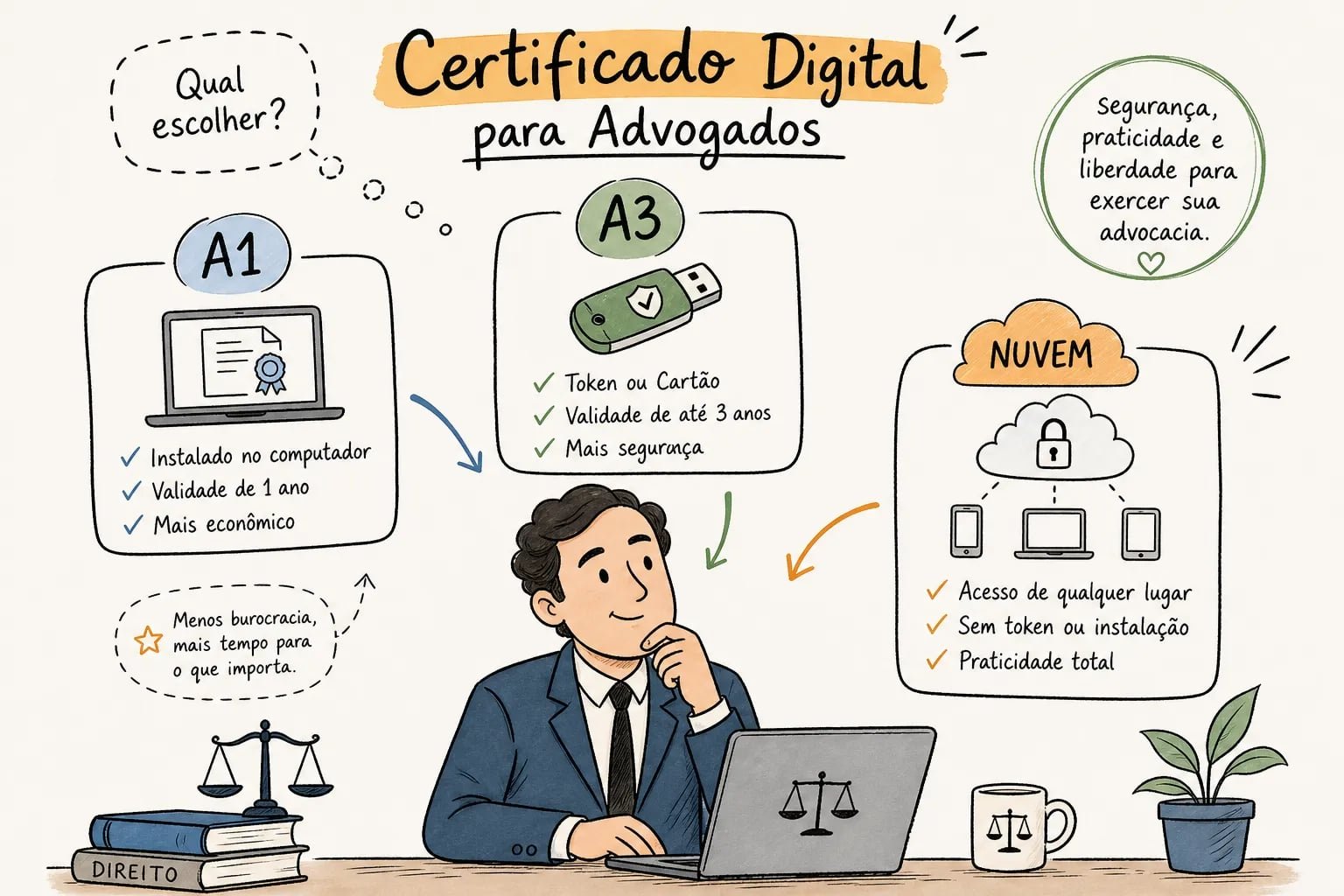
An A1 certificate lives as a file on your computer, typically in .pfx or .p12 format. There is no physical hardware involved. Renewal works essentially the same way as the original issuance: you submit documents, complete an identity validation via video call, and download your new certificate file. The entire process is completed 100% online, and with the right provider, it can be done within a few hours. A1 certificates are valid for one year.
What an A3 certificate renewal looks like in practice
An A3 certificate lives on a physical USB token or smart card. Because the certificate is stored on hardware, renewal typically requires either in-person validation at an accredited service point or a videoconference session with the certification authority. After validation, the new certificate is recorded onto the existing device, or a new token is issued. A3 certificates carry a validity period of up to three years, which means you renew them less often, but the process involves more logistics when you do.
How to confirm which type you currently hold
The simplest check is visual: if you plug a USB token into your computer or use a smart card reader to access your certificate, you have an A3. If your certificate is a file you installed on your machine, it’s A1. A3 certificates are especially common among lawyers using OAB-compatible tokens and accountants managing multiple client entities. Knowing which type you hold before you contact any provider saves you from starting down the wrong path.
Documents you need to gather before starting the e-CNPJ renewal
Getting your documents organized before you initiate the process cuts the turnaround time significantly. The list is predictable, and accredited providers across Brazil follow a consistent standard with only minor variations.
Company documents required
You will need the cartão CNPJ and the contrato social or estatuto, along with any amendments not yet consolidated into a single updated document. If your company has had changes to its ownership structure, the names of administrators, or address, those amendments need to be included. Providers verify that the person requesting the renewal is actually authorized to act on behalf of the company, so the documentary chain from original incorporation through the most recent change must be complete.
Documents for the legal representative
The legal representative needs a valid government-issued photo ID, RG, CNH, or passport are all accepted. Your CPF is also required. Some providers ask for a comprovante de endereço from the company or the representative, usually no older than 90 days. Confirm the full requirements with your specific provider before your video call so the session runs without interruption.
When a third party is handling the renewal
If someone other than the named legal representative is completing the process, a procuração with explicit authorization for the certificate renewal is required. A general power of attorney is not sufficient; the document must specifically authorize this action. Some providers also accept a valid e-CPF A3 as an alternative identity verification method for online renewals, which can simplify the process for accountants or legal professionals managing multiple clients’ certificates.
Can you renew your e-CNPJ completely online?
This is the question most business owners arrive with. The answer depends on two factors: the type of certificate you hold and the provider you choose.
A1 renewal: fully online, no travel required
E-CNPJ A1 renewal is broadly supported as a 100% online process by multiple accredited providers. You submit your documents digitally, complete a video-call identity validation session, and download your new certificate file the same day. There is no reason to travel to a physical location for an A1 renewal. The videoconference session replaces in-person validation, and the entire process can be completed from your office or home.
A3 renewal: video or in-person, with specific exceptions
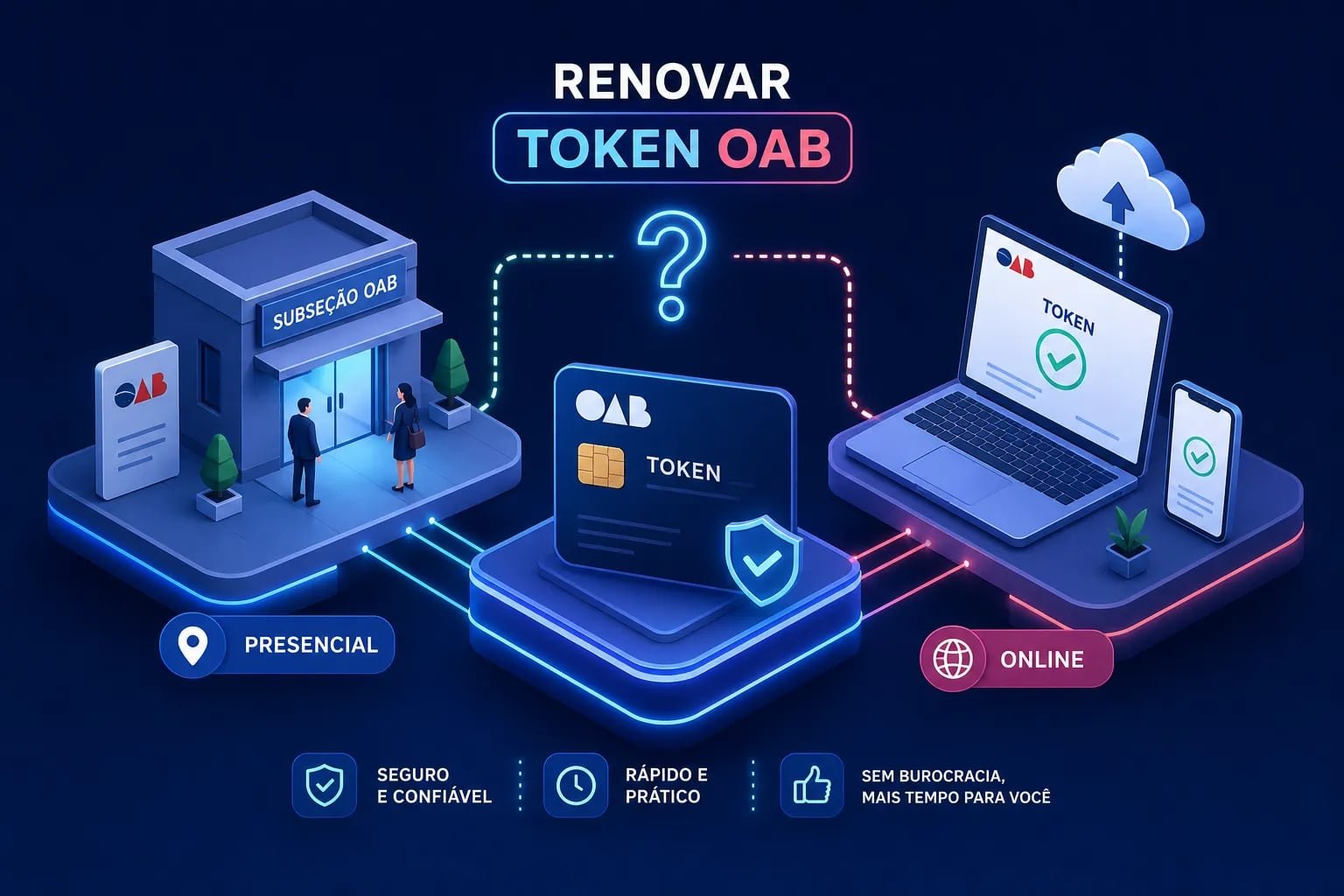
A3 renewal typically requires either in-person validation at an accredited service point or a videoconference session with the provider. Some certification authorities allow fully online A3 renewal when the existing certificate is still valid and the representative’s biometric data is already registered in the ICP-Brasil ecosystem or a connected national base such as DENATRAN. Once an A3 certificate has already expired, the online exception no longer applies, and in-person or video validation becomes mandatory. If your A3 is still valid and within the renewal window, check with your provider about whether the video option is available.
How Auxílio Certificação Digital simplifies e-CNPJ renewal for Brazilian businesses
For business owners who want to skip the coordination entirely, Auxílio Certificação Digital handles e-CNPJ renewals entirely via video call, on the same day you contact them, with no appointment required. The process starts at R$149,90 (approximately US$30) for an A1 certificate and includes guided support through WhatsApp from document submission through to final installation. The team confirms which documents apply to your situation and follows up at each stage so nothing stalls. Zero complaints on Reclame Aqui and same-day service are not claims many providers in this space can make, which is exactly why it matters.
Step-by-step: how to renew your e-CNPJ from start to finish
With your certificate type confirmed and your documents gathered, here is the full workflow from initiation to activation.
Step 1: choose an accredited provider and initiate the request
The provider must be accredited by ICP-Brasil. Access their portal or contact them directly via WhatsApp, select the e-CNPJ renewal option, and enter your CNPJ and the legal representative’s data. Make sure you are selecting the correct certificate type (A1 or A3) and the validity period you need before confirming the request.
Step 2: submit documents and complete payment
Upload your company and representative documents in digital format. Most online providers accept digitized copies. Complete the payment and wait for the provider to confirm document review. For A1 renewals with same-day providers, document review typically happens within a few hours of submission. If anything is missing or needs clarification, a good provider will contact you immediately via WhatsApp rather than letting the request stall.
Step 3: complete the identity validation
For A1 online renewals, validation happens via videoconference. The legal representative must be present during the session and must have original ID documents visible on camera. The session is recorded and added to your certificate dossier as part of the ICP-Brasil compliance requirement. After validation is approved, the certificate is issued. For A3 renewals done via video, the session works the same way, with the additional step of loading the certificate onto your existing token afterward.
Step 4: download or load onto your device
For A1, you will receive a .pfx file and a password. For A3, your provider will guide you through recording the new certificate onto your existing token or issuing a new device if the current one is no longer compatible. Store the .pfx file and password somewhere secure; you may need them if you switch computers or reinstall the certificate later.
What e-CNPJ renewal costs and how long it takes
The price range across the Brazilian market for e-CNPJ renewal runs roughly from R$149,90 to R$570, depending on the provider, the certificate type, and the validity period. For reference, Certisign lists its e-CNPJ A1 at R$274,90 for a one-year certificate. The broader market for A1 renewals from larger certification authorities generally falls in the R$180 to R$275 range, with some providers offering prices below that threshold for the same validity period.
A3 renewals tend to cost more because of the physical device logistics and the longer validation process involved. The longer validity period, up to three years, partially offsets the higher upfront cost over time. The lowest A1 renewal price currently available through Auxílio Certificação Digital is R$149,90 for one year, a meaningful difference compared to legacy providers in the market.
On timeline: A1 renewals done with a same-day provider can be completed within a few hours of initiating the process. A3 renewals typically take several days to over a week, depending on whether validation is done in person or via video and how quickly the physical device component can be handled. Starting the renewal at least 30 days before expiry gives you a comfortable buffer for either type, with no pressure on your business operations.
Installing your renewed e-CNPJ certificate and confirming it works
Installation is the final step, and it’s where some businesses get stuck. The process differs depending on the certificate type and operating system, but each path is straightforward when you know the steps.
Installing an A1 (.pfx) certificate on Windows
Locate the .pfx file your provider sent you. Double-click it to launch the Windows Certificate Import Wizard. When prompted, choose “Current User” for the store scope. Enter the password provided by your certification authority. On the store selection screen, leave it set to automatic, or manually select the Personal store if prompted. Finish the wizard, then close and reopen Chrome or Edge completely so the browser detects the new certificate. If you skip that browser restart, the certificate may not appear when you try to log into government portals.
Installing on macOS or configuring an A3 token
On macOS, double-click the .pfx file to open Keychain Access and trigger the import flow. Select the Login keychain when prompted, then enter the certificate password. Restart your browser after the import so it can read the updated keychain. For A3 certificates on either Windows or macOS, the process differs: install the driver or middleware for your specific token model, connect the device, and verify it appears in the browser’s certificate manager under Personal. The certificate lives on the token, so the token must be connected and the driver must be active every time you use it.
Testing access on e-CAC and NF-e systems
Open Chrome or Edge and go to Manage Certificates. Confirm the renewed certificate appears under the Personal tab. Then navigate to the e-CAC portal and select “Acessar com certificado digital.” If the system recognizes the certificate and grants access, the installation is complete. For NF-e, log into your ERP or SEFAZ integration using the same certificate and confirm document signing works as expected. If the browser doesn’t detect the certificate, reconnect the token (for A3) or reinstall the .pfx file (for A1) and reopen the browser before trying again. Most detection issues are resolved by a full browser restart after installation.
Renew your e-CNPJ digital certificate before the deadline
Renewing your e-CNPJ digital certificate is a straightforward process when you know what type you hold, which documents to gather, and which validation path applies to you. The most important rule is simple: don’t wait until the certificate has expired. Once it expires, most providers require a full new issuance instead of a renewal, which takes longer and costs more. Start the e-CNPJ renewal at least 30 days before the expiry date.
For most businesses holding an A1 certificate, the entire process can be completed online in a single day. For A3 holders, videoconference validation is increasingly available as an alternative to traveling to a service point, particularly when the existing certificate is still valid. Either way, the process is predictable and the outcome is immediate access to e-CAC, NF-e, and every other system your business depends on.
If you want to get it done fast with guided support, Auxílio Certificação Digital offers same-day e-CNPJ renewal by video call with no appointment required, starting at R$149,90, with WhatsApp support from document review through to installation. Your digital certificate keeps your business operational. Renewing it on time is how you keep it that way.